Shared Lists
What Is a Shared Grocery List and Why Every Household Needs One
A shared grocery list lets everyone in your household add, update, and check off items in real time. Here is how it works and which options actually help.
A shared grocery list lets everyone in your household add, update, and check off items in real time. Here is how it works and which options actually help.
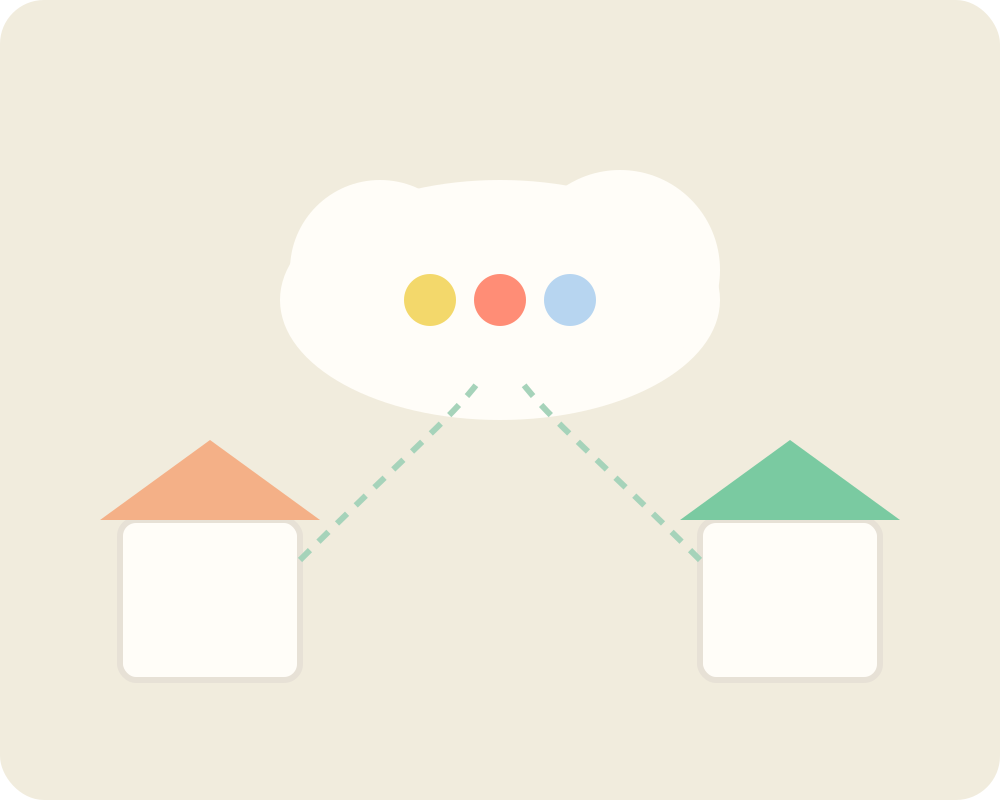
A shared grocery list is a single list that multiple people can view and edit together, in real time. Instead of one person managing everything, everyone in the household can add items as they notice them, and the list stays up to date for whoever is at the store.
Most households run into the same problem. One person does the shopping. Everyone else texts them requests as they walk the aisles. Someone always forgets something. Someone else buys something that was already in the pantry.
A list that lives on one phone is just a private note. It does not solve the coordination problem — it just moves it.
The real issue is that grocery shopping is a shared activity being managed with a solo tool.
A shared grocery list solves a few specific problems:
There is no single right answer here. The best option depends on how your household works.
The simplest version. Everyone writes on the same piece of paper. It works until someone shops without taking the list, or someone adds something in handwriting nobody can read.
A collaborative document is a big improvement over paper. You can add items from your phone and everyone with the link can see it. The main limitation is that these tools were not built for grocery lists — there is no way to check off items without editing the document, and there is no structure for categories or quantities.
Apple Reminders supports shared lists natively. You can share a list with another iCloud user and both people can add and check off items. It works well for simple households. It does not have category organization or pantry integration.
AnyList is a dedicated grocery list app. It supports shared lists, organizes items by store section, and syncs in real time. Solid choice for households that want something focused on groceries.
Bring! has a clean visual design and works well for couples or small households. It supports shared lists and has a catalog of common grocery items to make adding things faster.
Debara is built for households that want to connect the grocery list to what is already at home. You can share a list with everyone in your household, and items update in real time across all devices. Debara also connects your list to your pantry inventory, so you can see what you already have before you add something to the shop. It supports Siri voice commands, so you can add items hands-free.
| Feature | Paper | Apple Reminders | AnyList | Debara |
|---|---|---|---|---|
| Real-time sync | No | Yes | Yes | Yes |
| Multiple users | Yes | Yes | Yes | Yes |
| Pantry connection | No | No | No | Yes |
| Siri support | No | Yes | No | Yes |
| Category sorting | No | No | Yes | Yes |
| Expiration tracking | No | No | No | Yes |
The best shared grocery list is the one your whole household actually uses. Simple tools fail when they create friction. Dedicated apps tend to work better because they are designed around the specific workflow of shopping.
A few things that help shared lists work in practice:
The goal of a shared grocery list is not to have a better list. It is to stop having grocery conversations at all.
A shared grocery list is a list that multiple people can view and edit together. When one person adds or removes an item, everyone with access sees the change right away.
Yes. Apple Reminders supports shared lists between iCloud users. Dedicated grocery apps like Debara, AnyList, and Bring! also offer shared lists with real-time sync.
Most grocery apps let you invite family members by email or a share link. Once they join, everyone can add items and check things off from their own device.
The best app depends on your household. Apple Reminders works for simple needs. AnyList and Bring! are designed specifically for grocery shopping. Debara adds pantry inventory so you know what you already have at home.
Yes. Apps that support Siri integration let you say something like “add eggs to my grocery list” and the item is added without opening the app. Debara and Apple Reminders both support this.
Most dedicated grocery apps sync in real time. That means if your partner adds something while you are already at the store, you see it immediately.
Some apps detect duplicates and merge them. Others will show the item twice. Most apps allow you to delete duplicates easily when you notice them.
Many apps offer shared lists for free. Apple Reminders and Google Keep are free. Apps like AnyList and Debara offer free plans with core sharing features included.
Yes. Shared lists work for any household where multiple people contribute to a common shop. Roommates can each add their own items and see what others have already added, which avoids duplicate purchases.
A regular grocery list lives on one person’s device and only they can update it. A shared grocery list is accessible to everyone in the household, so anyone can add items and the list stays current without anyone needing to manage it manually.